Browser-based
Radiyx View
- Imaging and connected reporting in the browser
- Patient and study context stay with the report
- Templates and report history live on the Radiyx Platform reporting system
Structured radiology reporting
Reporting that stays with the study.
Create structured reports using reusable templates, author alongside imaging in Radiyx View or Radiyx Vision, then review and sign inside the same connected Radiyx workflow.
Radiyx Reporting workflow overview
Structured reporting
Reusable clinical structure
Template design
Own the reporting format
View + Vision
Report where imaging happens
Connected record
Reporting continues through Radiyx
Reporting workflow
Radiyx Reporting is the reporting lifecycle inside the Radiyx ecosystem—connected to the study, the imaging environment, and the operational record.
01
Imaging completed—patient and study context continue into reporting.
02
Start from a reusable template matched to the examination context.
03
Author findings and impression alongside imaging in View or Vision.
04
Edit and revise the draft before clinical sign-off.
05
Authorized users sign the report—tracked as Report signed in the workflow.
06
Delivery continues in the connected Radiyx pathway—tracked as Report delivered.
07
Report history remains with the patient and study context on the platform.
Operational statuses verified in Radiyx RIS
Template system
Reusable templates give radiologists a consistent clinical frame—findings, impressions, and structured inputs—without trapping the report in a disconnected document editor.
Findings
Structured clinical observations
Impression
Summary language ready for review
Modality context
Templates matched to the examination
Site preference
Organization-specific reporting format
Template designer
Authorized users configure reporting structure—sections, headings, and structured fields—so the organization owns the format without adopting a separate no-code reporting product.
Imaging continuity
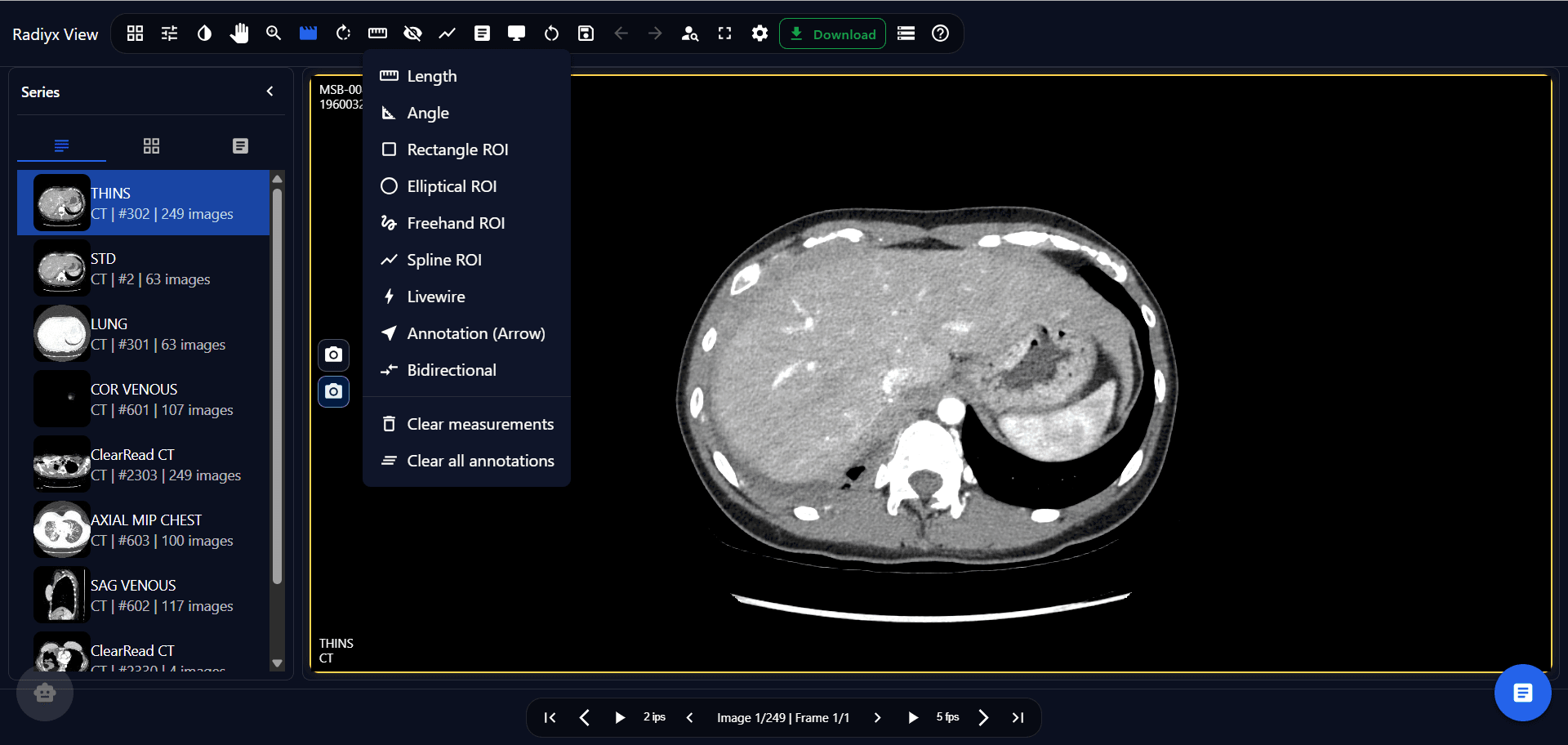
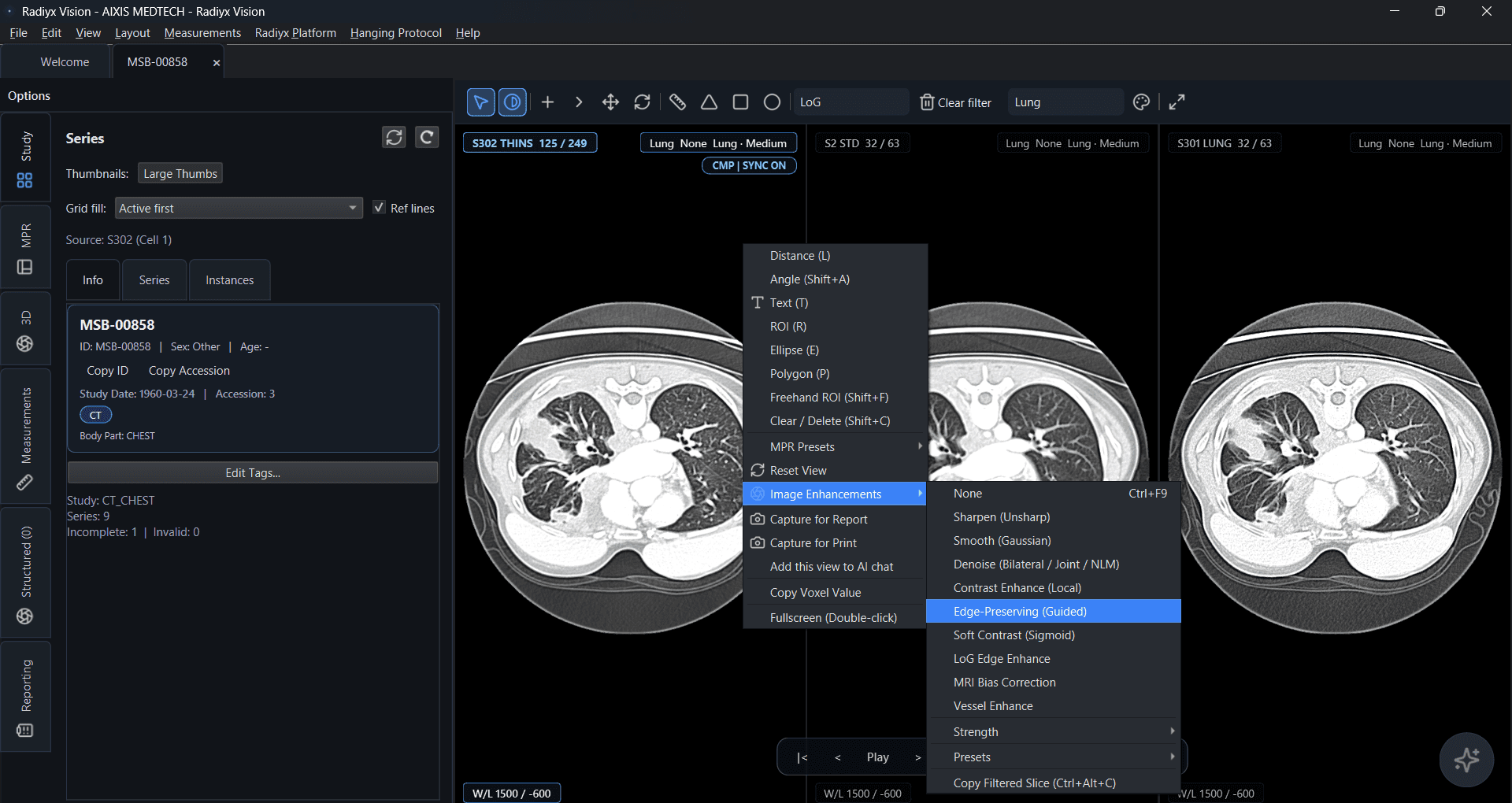
Radiyx View and Radiyx Vision are different imaging environments. Radiyx Reporting is the connected reporting workflow that continues across both—without forcing a second reporting product.
Browser-based
Native workstation
Connected workflow
Authoring
Report creation stays attached to patient and study context—so findings, impression, and structured fields remain part of the same Radiyx pathway used for imaging review.
Assisted intelligence
AI is an assistant inside the reporting workflow—not the definition of Radiyx Reporting, and not a substitute for clinical judgment.
The radiologist reviews, edits, and signs the final report. AI output is assistive—not an autonomous clinical or legal record.
Clinical record
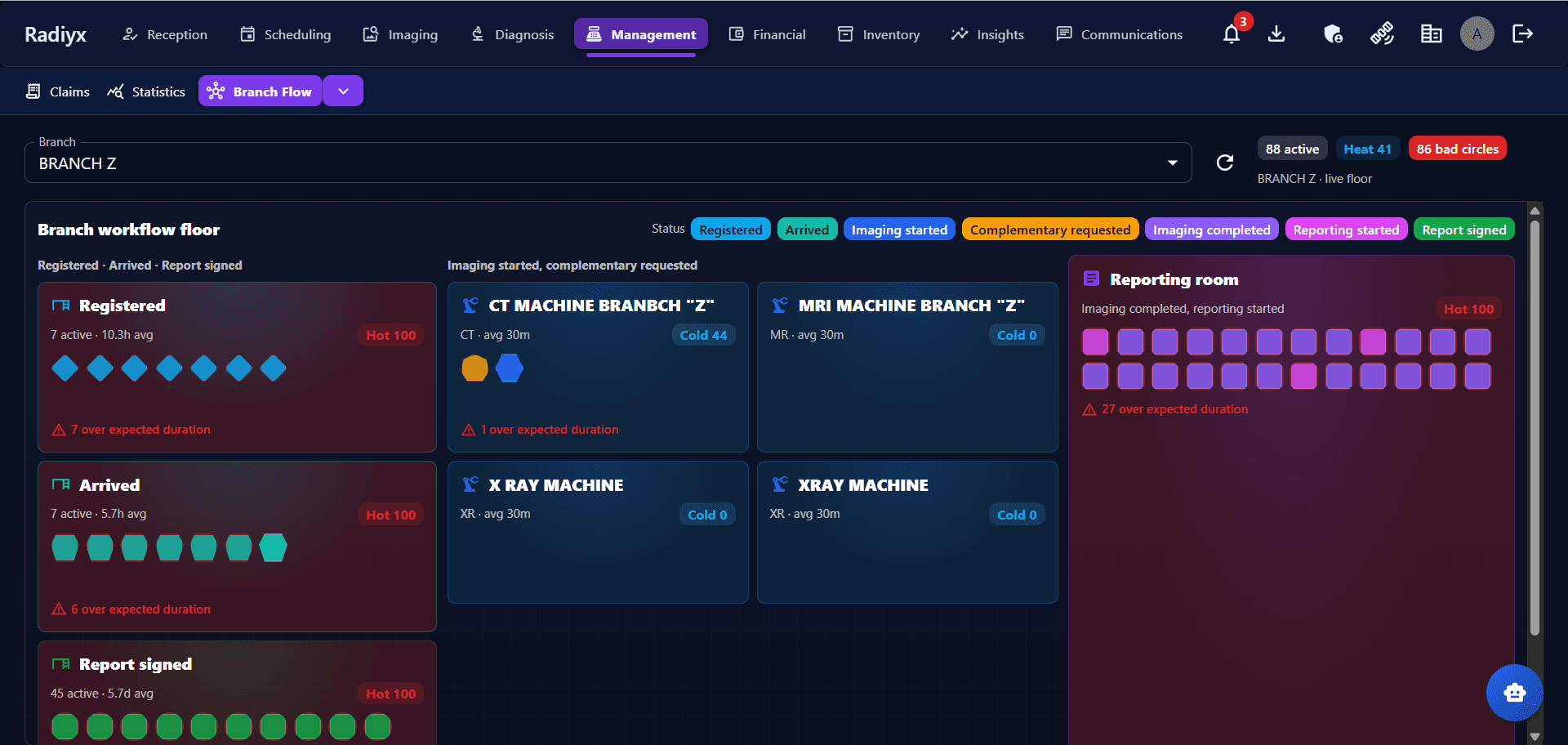
Drafts move through review and signing inside Radiyx. Operational statuses track when reporting starts, when the report is signed, and when delivery is recorded.
What is tracked
Radiyx RIS surfaces Reporting started, Report signed, and Report delivered on the same study workflow that began at intake—so reporting progress is visible to operations without a separate status system.
Connected workflow
RIS coordinates the study. View and Vision provide the imaging environment. Reporting completes the clinical record. Radiyx keeps the workflow connected.
The study and patient workflow reaches Reporting with the same operational context.
Imaging and reporting remain connected—browser workspace or native workstation.
Operational events can continue into organizational workflows where relevant.
Optional extension beyond the organization—including Network print templates where supported. Not required for internal reporting.
Security & access
Reporting inherits Radiyx Platform access controls—so authoring and signing stay within organizational permissions.
Built for reporting operations
Standardize report structure across readers while keeping imaging and signing in one workflow.
Move from completed study to signed report without a disconnected reporting product.
Author from View or Vision with templates and report history on the shared Radiyx record.
Share site-aware templates and keep reporting continuity across locations.
Own template structure and follow draft-to-signed status on the operational record.
Templates, authoring beside View or Vision, review and signing, and continuity into the Radiyx Platform—without a separate reporting product.